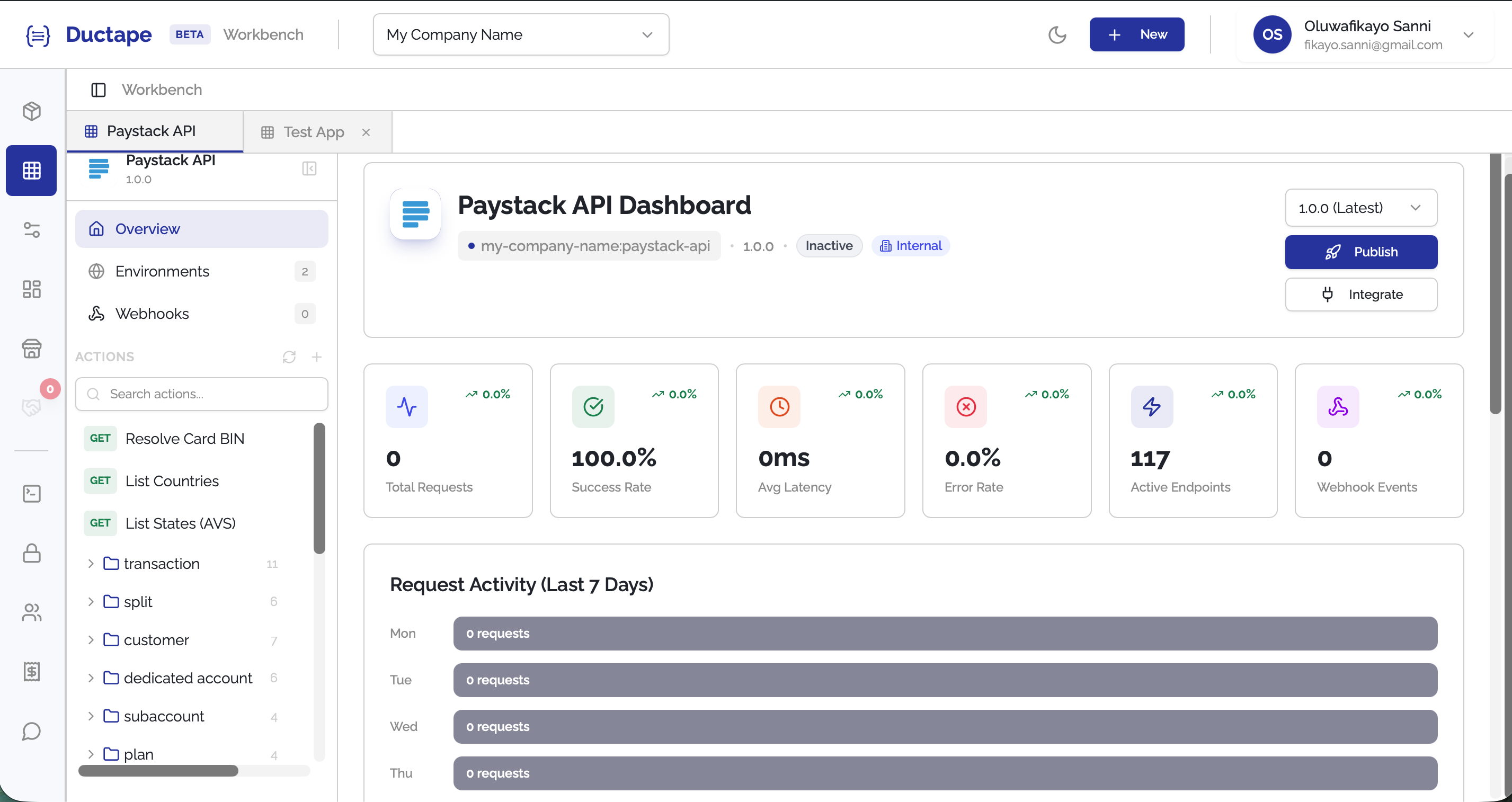
Uploading App Documentation
Ductape lets you quickly populate your app with API endpoints by uploading existing API documentation. This is the fastest way to generate Actions for your app.
Step 1: Navigate to Your App
- Open your workspace and click on the App you want to configure (or create one first via + New App).
- If the app has no Actions yet, you will immediately see a setup modal with two options:
- Import App Docs
- Add Request
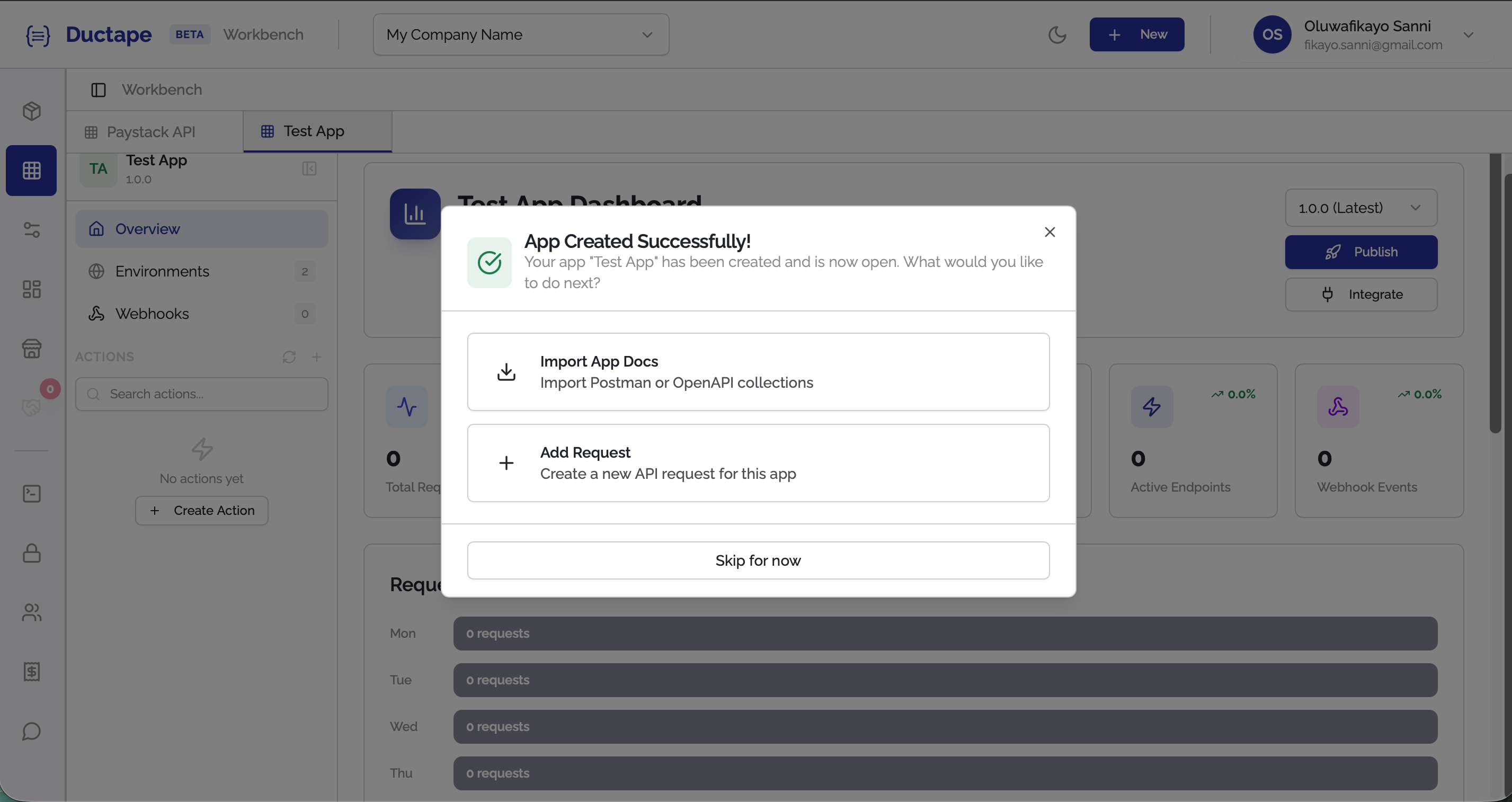
Step 2: Click "Import App Docs"
- In the setup modal, click Import App Docs.
- Select the documentation format you want to upload:
- Postman Collection
- OpenAPI Specification
Ductape supports Postman Collection v2.1 and OpenAPI 3.0 formats.
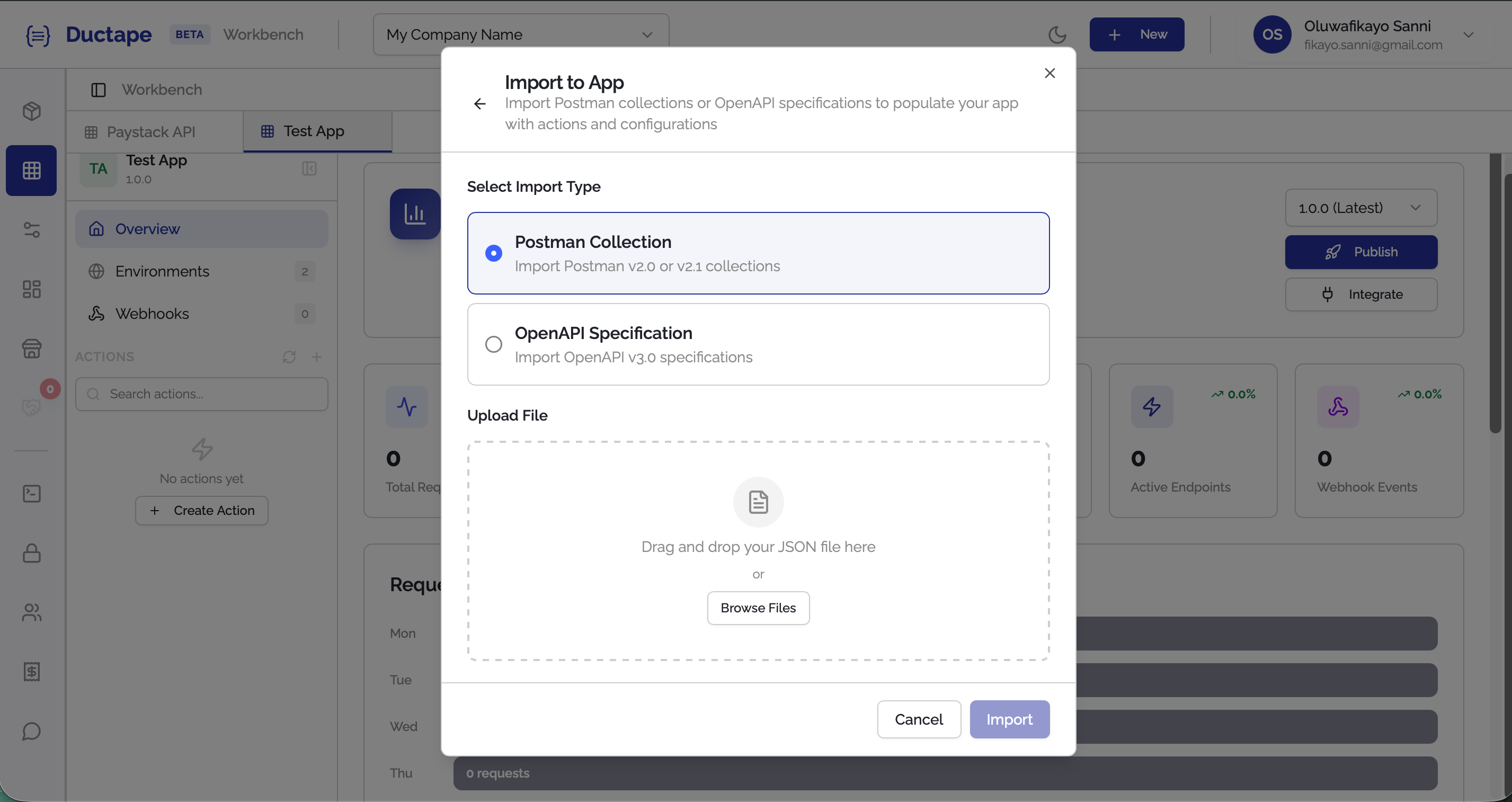
Step 3: Upload Your Documentation File
- Click Browse Files in the upload screen.
- Select a valid JSON file from your computer.
Tip: To export from Postman, open your collection → click the
...menu → Export → choose Collection v2.1.
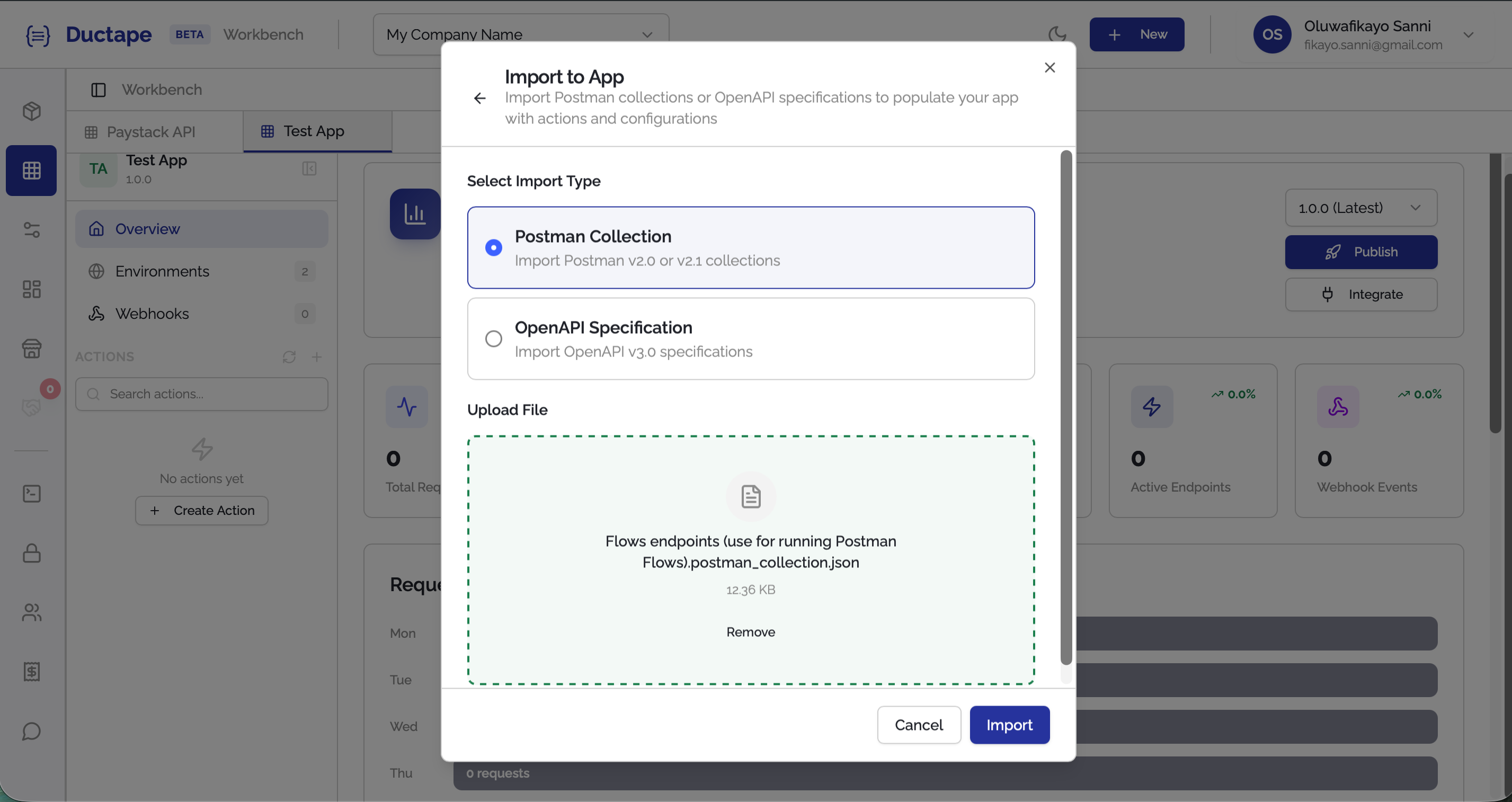
Step 4: Import the Documentation
- Click the Import button.
- Ductape automatically parses the file and detects the available endpoints.
All detected endpoints will be automatically added as Actions in your app.